

Written Nov 12, 2026, and added to our archive on Nov 23, 2026. Specs and prices were checked on Nov 12, 2026.
Quick answer
Your phone mostly makes the choice for you. On an iPhone, use Apple Pay; it is the only tap-to-pay wallet built into iOS. On a Pixel or other Android phone, use Google Wallet. On a Samsung Galaxy phone, you can use either: Google Wallet if you want the same wallet on every Android device and Wear OS watch, Samsung Wallet if you live in Samsung's ecosystem and want Samsung Pass and Samsung-specific perks.
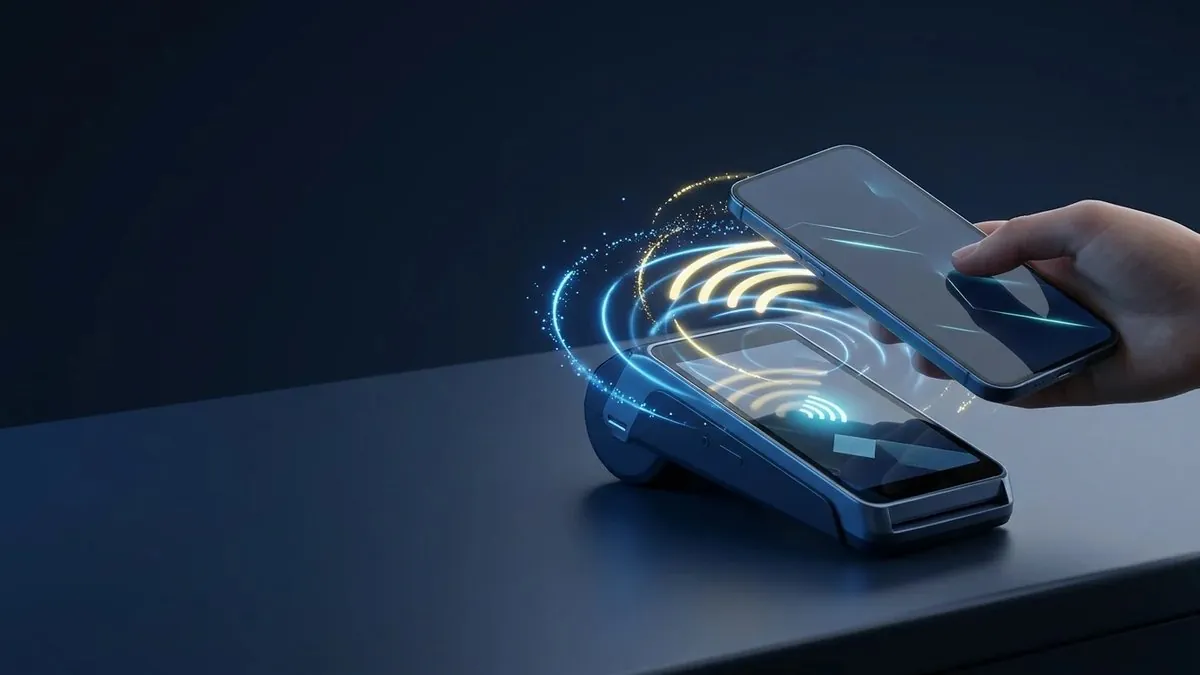
For tapping a card at a register, all three work the same way: over NFC, with a stand-in card number instead of your real one, and only after you unlock or authenticate. The differences are in devices, IDs and extras, not in basic safety.
All three wallets replace a plastic card at a contactless terminal and can also hold passes and, in some states, a digital ID. This explainer covers how they work, where they differ, and which to use. It's based on each company's support pages; we did not run tests of our own.
The short version, side by side
| Apple Pay (Apple Wallet) | Google Wallet | Samsung Wallet | |
|---|---|---|---|
| Phones | iPhone only | Android phones with NFC, including Pixel and Galaxy | Samsung Galaxy phones only |
| Watches | Apple Watch | Wear OS watches with NFC (Pixel Watch, Galaxy Watch and others) | Galaxy Watch |
| How you pay in stores | NFC | NFC | NFC (Samsung dropped MST from its phones starting in 2021) |
| Card number sent to the store | Device Account Number, not your card number | Virtual account number, not your card number | Token, not your card number |
| Required lock | Device passcode (Face ID/Touch ID optional) | Screen lock on phone or watch | PIN or fingerprint to authorize each payment |
| Digital ID | State IDs in supported states; Digital ID from a US passport | State IDs in supported states; ID pass from a US passport | Mobile driver's licenses in a small number of states (Arizona and Iowa were first) |
From Apple's Apple Pay security overview, Google's Wallet and Wear OS help pages, Samsung's US newsroom and IDEMIA, and reporting by 9to5Google and TechCrunch, listed under Sources.
How the security works (and why it is safer than a card)
Each wallet uses tokenization. When you add a card, your bank issues a separate number tied to that one device. At the register, the phone sends that stand-in number plus a one-time code, so the store never sees your real card number.
- Apple Pay: Apple says the Device Account Number lives in the Secure Element chip, is isolated from iOS, is never stored on Apple's servers and is never backed up to iCloud. Apple keeps only partial card numbers and a card description. A passcode must be set before Apple Pay works.
- Google Wallet: payments use a virtual account number in place of your card number. Google requires a screen lock on the phone or watch, and its help pages say that removing the screen lock from a watch deletes the cards you added to it.
- Samsung Wallet: Samsung says it replaces your card number with a token and protects payment data with its Knox security platform. Payments are authorized with a PIN or fingerprint.
The practical upshot: if a store's card system is breached, a wallet token is far less useful to a thief than a plastic card's number. A stolen phone is also less of a problem than a stolen wallet, because payments need your face, fingerprint or PIN. Apple says putting an iPhone in Lost Mode suspends Apple Pay, and a remote erase removes the cards. Android's tools are covered in our Android theft protection explainer, and our iPhone Stolen Device Protection guide covers the iPhone side.
One exception to the "always authenticate" rule is transit. Apple's Express Mode lets a chosen transit or payment card work at fare gates without Face ID or a passcode, which is convenient but means anyone holding your phone could use that card at a fare gate.
Apple Pay: the only real option on iPhone
Apple Pay is built into the Wallet app on iPhone and Apple Watch, and it works in Safari and in apps for online checkout. You add cards in Wallet, double-click the side button and look at the phone to pay.
Since iOS 18.1, Apple has let banks and other developers in the US and several other countries build their own in-store tap-to-pay apps on iPhone, separate from Apple Pay, and you can pick a default contactless app in Settings. In practice, Apple Pay is still the wallet nearly everyone uses, because it is already set up and accepted wherever contactless cards are.
Apple Wallet also holds IDs. Apple added state driver's licenses and IDs in a growing list of states, and in November 2025 it launched Digital ID, which you create from a US passport for domestic TSA checkpoints. It does not replace a passport for international travel.
Google Wallet: the default for Android
Google Wallet works on Android phones with NFC, whoever made them, and on Wear OS watches. That makes it the wallet that follows you if you switch from a Pixel to a Galaxy or back. Google says a watch needs NFC and a screen lock, and Wear OS wallets don't support Google Workspace accounts, so use a personal Google account on the watch.
Google Wallet also holds digital IDs: an eligible state driver's license, or an ID pass created by scanning a US passport's chip. Like Apple's, the passport pass works at supported TSA checkpoints for domestic flights only, and you still carry the physical passport.
Cards don't transfer between phones automatically: tokens are device-specific, so you re-add them and verify with your bank on each new phone. Our new Android phone setup guide covers the order to do things in.
Samsung Wallet: worth it only on a Galaxy, and only for the extras
Samsung Wallet (the former Samsung Pay) runs only on Galaxy phones and Galaxy watches. Its old advantage was MST, a technology that let phones pay at magnetic-stripe readers. Samsung began removing MST with the Galaxy S21 in 2021, so current Galaxy phones pay by NFC only, exactly like Google Wallet.
What Samsung Wallet still adds on a Galaxy phone:
- Samsung Pass sign-ins and stored details in the same app as your cards.
- Mobile driver's licenses in a few states. Samsung and IDEMIA launched them in Arizona first, then Iowa, for use at participating TSA checkpoints. The state list is much shorter than Apple's or Google's, so check your state before relying on it.
Reviewers have generally concluded that, without MST, Samsung Wallet doesn't offer enough on payments alone to beat Google Wallet. There is no harm in having both installed; just set one as your default payment app so the phone knows which to open at the terminal.
Which should you use?
| Your setup | Use |
|---|---|
| iPhone, with or without an Apple Watch | Apple Pay |
| Pixel phone or Pixel Watch | Google Wallet |
| Galaxy phone, and you might switch Android brands later | Google Wallet |
| Galaxy phone and Galaxy Watch, deep in Samsung's apps | Samsung Wallet (or Google Wallet; both work) |
| Want a digital ID for airport security | Apple or Google, which support more states plus passport-based IDs |
Start here: iPhone 18 Pro Max Accessories: The Essentials Worth Buying
Read next in this topic:
- Best iPhone 18 Pro Max Cases: What to Look For (2026)
- Best Pixel 10 Cases: Pixelsnap, Clear and Rugged Options
- Best Pixel 10 Pro Fold Cases: Pixelsnap, Hinge and Fit
- Best Galaxy S25 Accessories: Cases, Chargers and Magnets
Brand hubs: iPhone · Google Pixel · Samsung Galaxy S and A
FAQ
Is Apple Pay or Google Wallet safer than using my physical card?
Generally yes. Both send a device-specific token and a one-time code instead of your real card number, and both require you to unlock or authenticate before paying. A plastic card can be skimmed or read by anyone holding it.
Can I use Google Wallet on an iPhone?
Not for tap-to-pay in stores. Apple Pay is the built-in wallet on iPhone. Since iOS 18.1, Apple has allowed some third-party tap-to-pay apps in the US, but Google Wallet is not offered as an iPhone tap-to-pay app.
Should Galaxy owners use Samsung Wallet or Google Wallet?
Either works for payments, since both use NFC on current Galaxy phones. Choose Google Wallet if you might switch Android brands or use a non-Samsung Wear OS watch. Choose Samsung Wallet if you use Samsung Pass and other Samsung services and want them in one app.
Does Samsung Wallet still work at old card swipers?
Not on current phones. Samsung's MST technology, which imitated a magnetic stripe, was dropped starting with the Galaxy S21 in 2021. Newer Galaxy phones pay only at contactless (NFC) terminals.
How we researched this
This explainer is based on Apple's Apple Pay security and privacy overview, Google's Wallet and Wear OS help pages, Samsung's US support and newsroom pages, and reporting from 9to5Google, TechCrunch, Android Authority and MacRumors on MST, iPhone NFC access and digital IDs. We did not test the apps ourselves. Digital ID state lists change often, so check each wallet's own list before you travel.
Sources
- Apple Support: Apple Pay security and privacy overview
- Google Wallet Help: Tap to pay with your smartwatch
- Google Wallet: Digital IDs
- 9to5Google: Galaxy S21 drops MST for Samsung Pay
- Samsung Newsroom US: Mobile driver's licenses come to Samsung Wallet, starting with Arizona and Iowa
- IDEMIA: Iowa mobile ID comes to Samsung Wallet
- TechCrunch: Apple launches Digital ID for TSA checkpoints
- Android Authority: Google Wallet adds US passport support
- MacRumors: Apple is opening up the iPhone's NFC chip in iOS 18.1
- Samsung US Support: How secure is Samsung Pay?
- SlashGear: Why many users say Samsung Wallet isn't worth it